this site is password protected

United States Space Force

Mission-Critical Learning Platform

Role
Lead UX Designer
Project Type
Digital Transformation
Impact
Reduced friction surrounding learning experiences for 8,000+ personnel
Tools
Figma, Figma Make, Design Systems, Claude, Prompt Engineering

As the United States Space Force (USSF) continued to evolve its mission and workforce, training programs became increasingly complex, distributed, and difficult to manage. I led the design of an AI-powered learning platform that consolidated training resources, personalized learning experiences, and created a scalable foundation for future workforce development.

problem

Problem

USSF personnel did not have a go-to platform to complete mission-critical learning requirements. Training content was:

  • Difficult to discover and navigate
  • Inconsistent in structure and presentation
  • Lacking personalization based on role or career path
How might we create a centralized, AI-powered learning ecosystem that enables USSF to easily discover, complete, and manage mission-critical training?
learning platform

user research

Uncover Pain Points

To understand learning challenges and training workflows, research was conducted with:

  • Active USSF personnel
  • Training coordinators
  • Learning administrators
  • PMs and SMEs

key findings

Personalized Track

  • USSF personnel did not have a go-to system to locate required training materials.
  • They struggled to identify which courses were most relevant to their responsibilities and career progression.
  • There was no consistency throughout the interfaces, navigation structures, and content formats.
  • Training managers spent significant time manually tracking progress and guiding learners.

competitive analysis

Inspiration from Other Projects

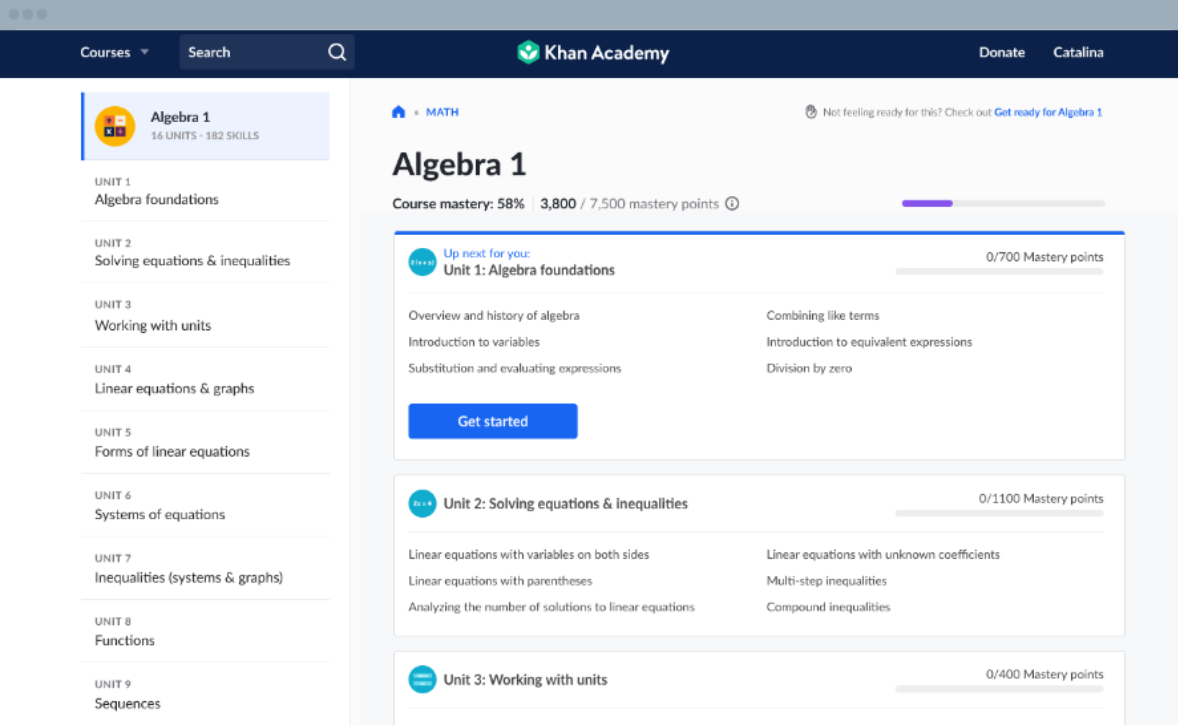
Our team had connections to contractors working with the Army and Navy. We used their education platforms as a guide, along with other learning platforms like:

  • Coursera
  • Udemy Business
  • Khan Academy
  • Duolingo
  • Salesforce Trailhead

Takeaways: Guided and tracked training journeys, AI-powered content suggestions based on program, Visible learner achievements/badges

Khan Academy

requirements & goals

Workforce Readiness

USSF Goals

  • Centralized learning experiences
  • Introduce progress tracking and AI suggestions based on program
  • Improve training completion rates by 15%
  • Reduce administrative burden


Personnel Goals

  • Quickly locate required training (< 1 min)
  • Understand learning pathways and complete training efficiently
  • Track certifications and progress with badges and titles
  • Receive personalized recommendations

ideation

Skill-based Training

Through my iterations, I focused on 3 main requirements:

Personalized Dashboard

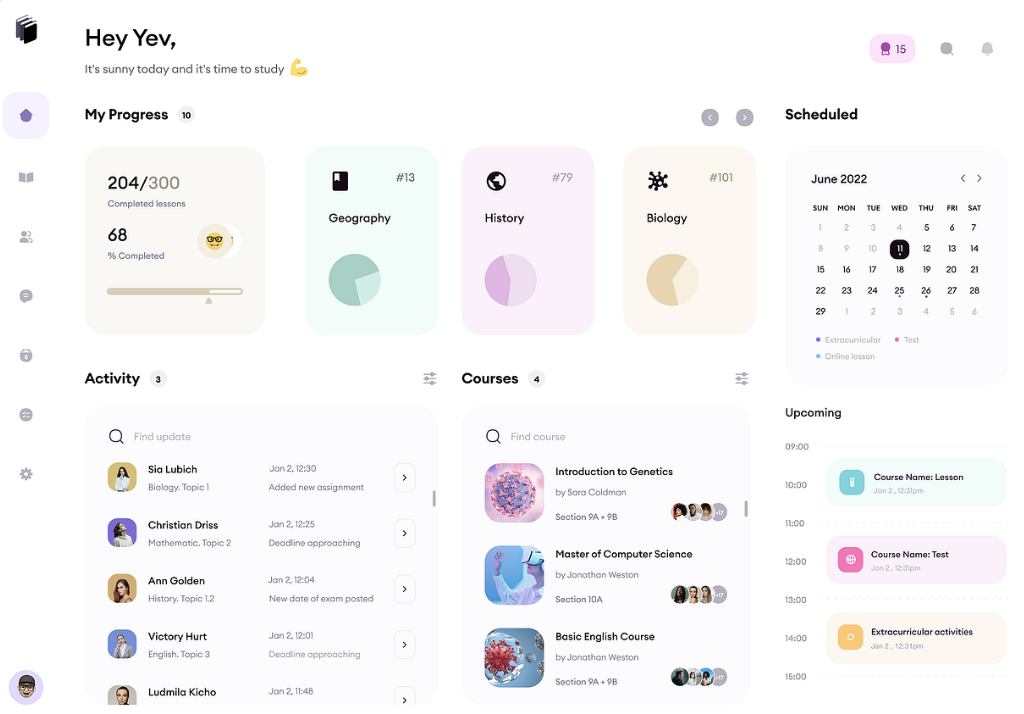
  • Current training (Top Training Picks, In Progress)
  • Recommended courses based on job title and peers
  • Certifications to boost workforce readiness
  • Upcoming requirements and deadlines

Learning Marketplace

  • Search and discovery
  • Skill-based recommendations
  • Career development pathways (suggested or admin-assigned)

Progress Management

  • Completion tracking (progress bars, resume action)
  • Learning milestones and self-testing
  • Certification status

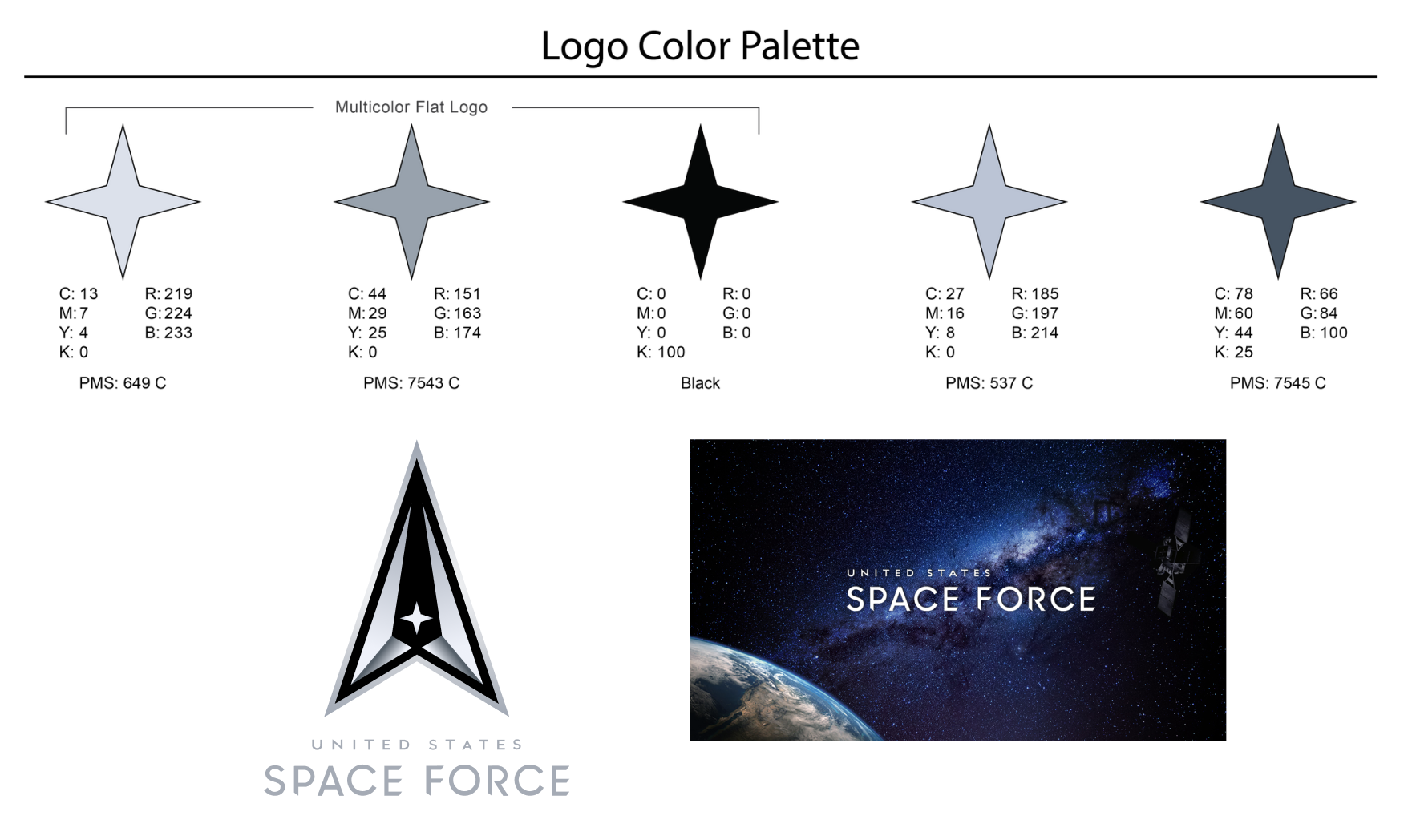
To ensure scalability across future learning initiatives, I created a component library (navigation menus, modular cards, progress indicators) and a space-themed style guide.

USSF logo

stakeholder validation

Observational Testing

I conducted 4 walkthroughs and task-based usability testing. I asked if users could:

results

Mission Ready!

Upon log in, users can view Top Training Picks, view in-progress trainings, track their learning plan, and explore other learning modules. The navigation bar provides quick access to learn, plan, and manage their training plans. Plus, the background and design components are floating, space-themed!

Navigating into a specific training page displays additional info, modules included, files/attachments, FAQs, and related training. Users can also view completion status, learning badges, collaborators, and launch the training itself. (P.S. the progress bar is a spaceship…)

Each card component displays training dates, duration, tags, type, and location. Users can enroll in learning sessions and keep track of what they need to complete by a specific deadline.

takeaways

Lessons Learned

The most effective training experiences are not only repositories of content, they guide users toward why this information is important to learn and how it fits into their role. Systems thinking consisting of experiences, standards, and governance supports future organizational growth. By combining user research, stakeholder goals, and business objectives, the platform evolved from a collection of training tools into a strategic workforce development solution.

← USPS USPS Dashboard →